 WEBFISHING Modding Guide
Setup
Get Started!
Requirements
- GodotSteam 3.21 > https://github.com/GodotSteam/GodotSteam/releases/tag/v3.21
- GDRE > https://github.com/GDRETools/gdsdecomp/releases
- WEBFISHING > https://store.steampowered.com/app/3146520/WEBFISHING/
Setting up the project.
Open GDRE, Click on "RE Tools" and "Recover Project". Find the WEBFISHING game directory, default WEBFISHING installation directory is 'C:\Program Files (x86)\Steam\steamapps\common\WEBFISHING', and open 'webfishing.exe'
After that you should see this:
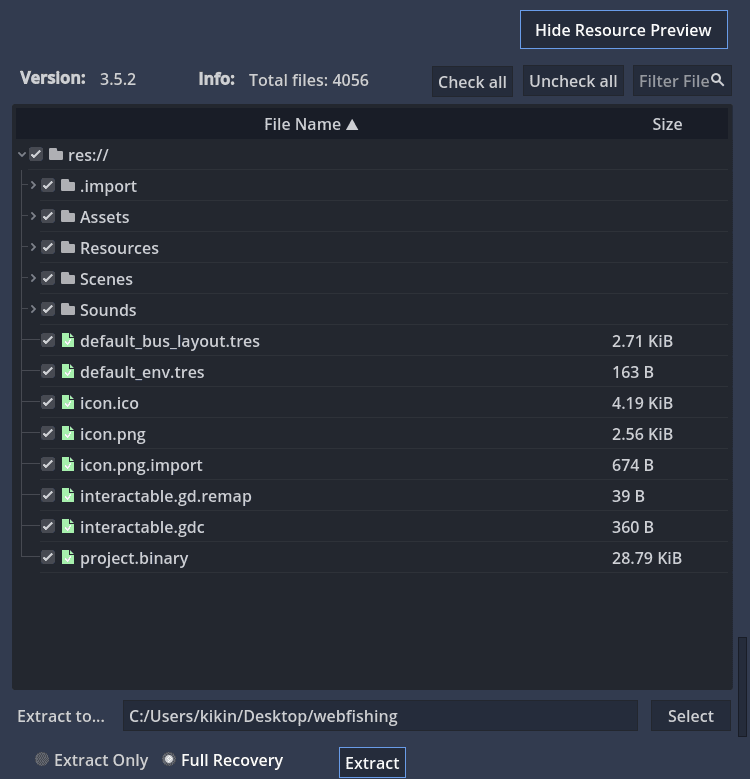
Click on 'Extract' & wait until it's done extracting.
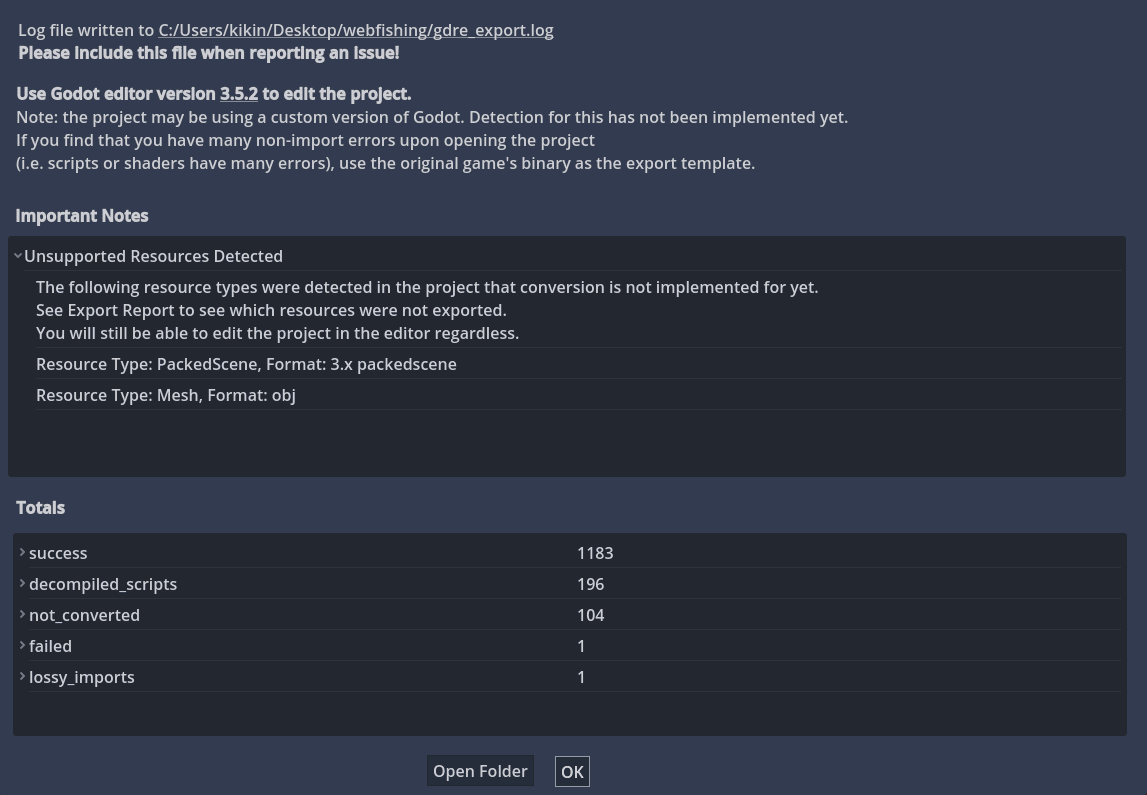
Opening the project.
Unzip GodotSteam 3.21 and open the 'steam_appid.txt' file. In the change the '480' to '3146520' (That's the AppID for WEBFISHING)
'WEBFISHING' and open 'godotsteam.353.editor.windows.64.exe', and open the project you just decompiled.
⭐ Congratulations!
You have successfully decompiled WEBFISHING, and you are now ready to mod it!